SchwiftyTime… Time To Track.
How it works
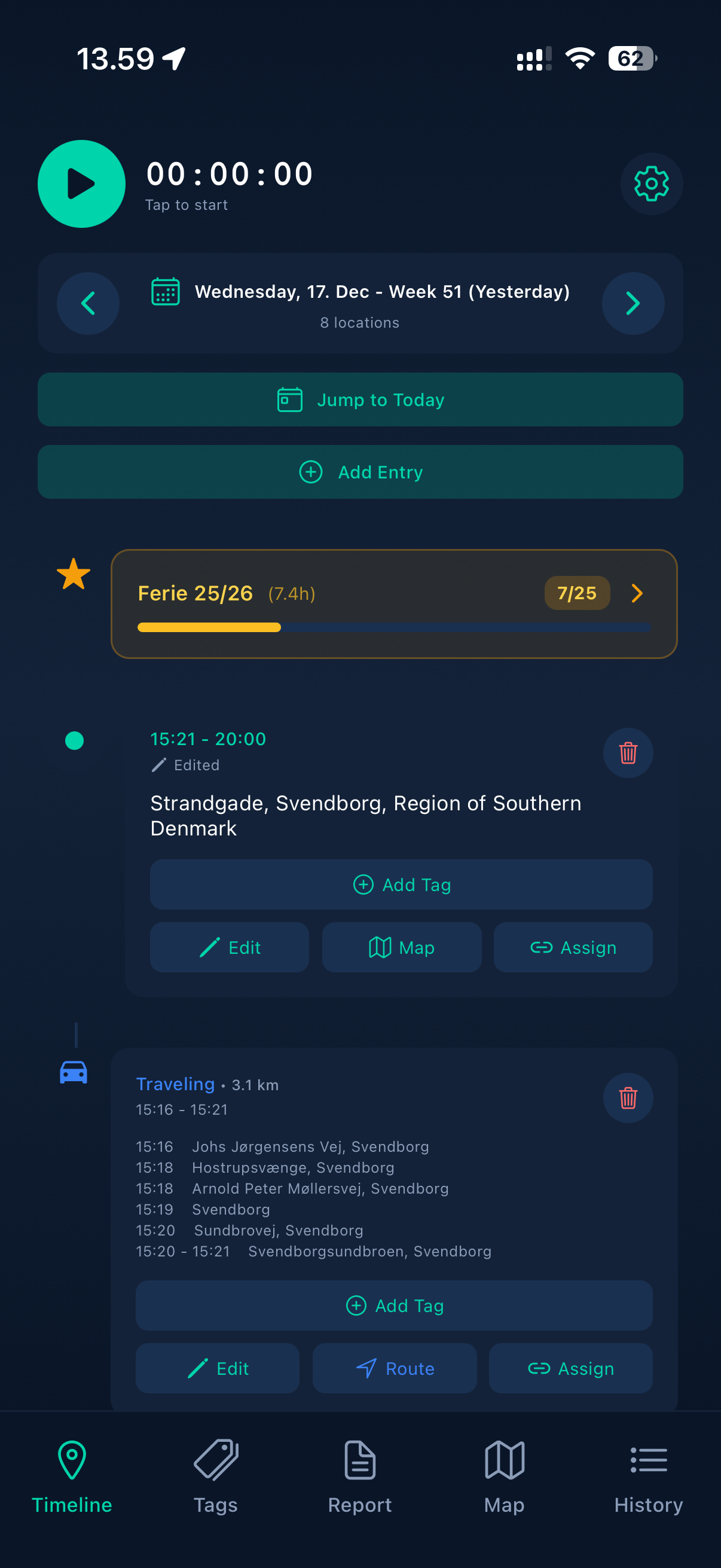
The timeline is where you see where you have been during the day, it is here that you add tags to entries, tags will be added to the Report page and can be exported and send via e-mail or message.
Tags are used to categorize entries in the timeline. You create tags and assign them to timeline entries, and they can later be used in Reports to filter and choose what data to export.
Special Tags are designed for tracking time that represents full or partial days. Each Special Tag has a defined daily hour value. For example, if a Special Tag is set to 8 hours per day with a goal of 20 days, the app will automatically keep track of how many days have been used under that tag.This makes Special Tags useful for tracking things like vacation days, paid holidays, or other day-based allowances.
Reports is where you create and manage reports. It provides an easy way to generate timesheets for your employer or use them as a basis for precise invoicing.
You simply choose a time period — a day, a week, a month, a year, or a custom range. The tags used during that period will be shown, and you can select or deselect the tags you want to include in the report.
Once the report is created, it can easily be shared via email or messages.